Superset
You can deploy an instance of Superset with your Hydrolix cluster. Superset is an open-source data exploration and visualization platform that allows users to query, visualize, and analyze data ingested into Hydrolix.
Deploy Superset⚓︎
To deploy Superset into your cluster, add the following to your hydrolixcluster.yaml
Hydrolix should deploy two additional pods:
Superset is exposed at the superset.hostname.hydrolix.live subdomain. Accessing this URL requires a DNS wildcard record (*.hostname.hydrolix.live) and a wildcard certificate for Traefik.
Superset network configuration⚓︎
Create a DNS record⚓︎
Set the following environment variable:
Run the following command to retrieve the Traefik record:
You should see output similar to the following:
Use the DNS provider of your choice. Set up an A record for your hostname that points to the EXTERNAL-IP from the response.
| Key | Value |
|---|---|
| Record name | *.hostname.hydrolix.live |
| Record type | A |
| Value | 34.66.136.134 |
Install a wildcard certificate⚓︎
Use the instructions in Hydrolix ACME Client to for automated wildcard certificate. provisioning This requires the use of AWS Route53 as an authoritative DNS provider.
Use Provision Certificate Manually to install a wildcard certificate procured directly from a Certification Authority.
Use Superset⚓︎
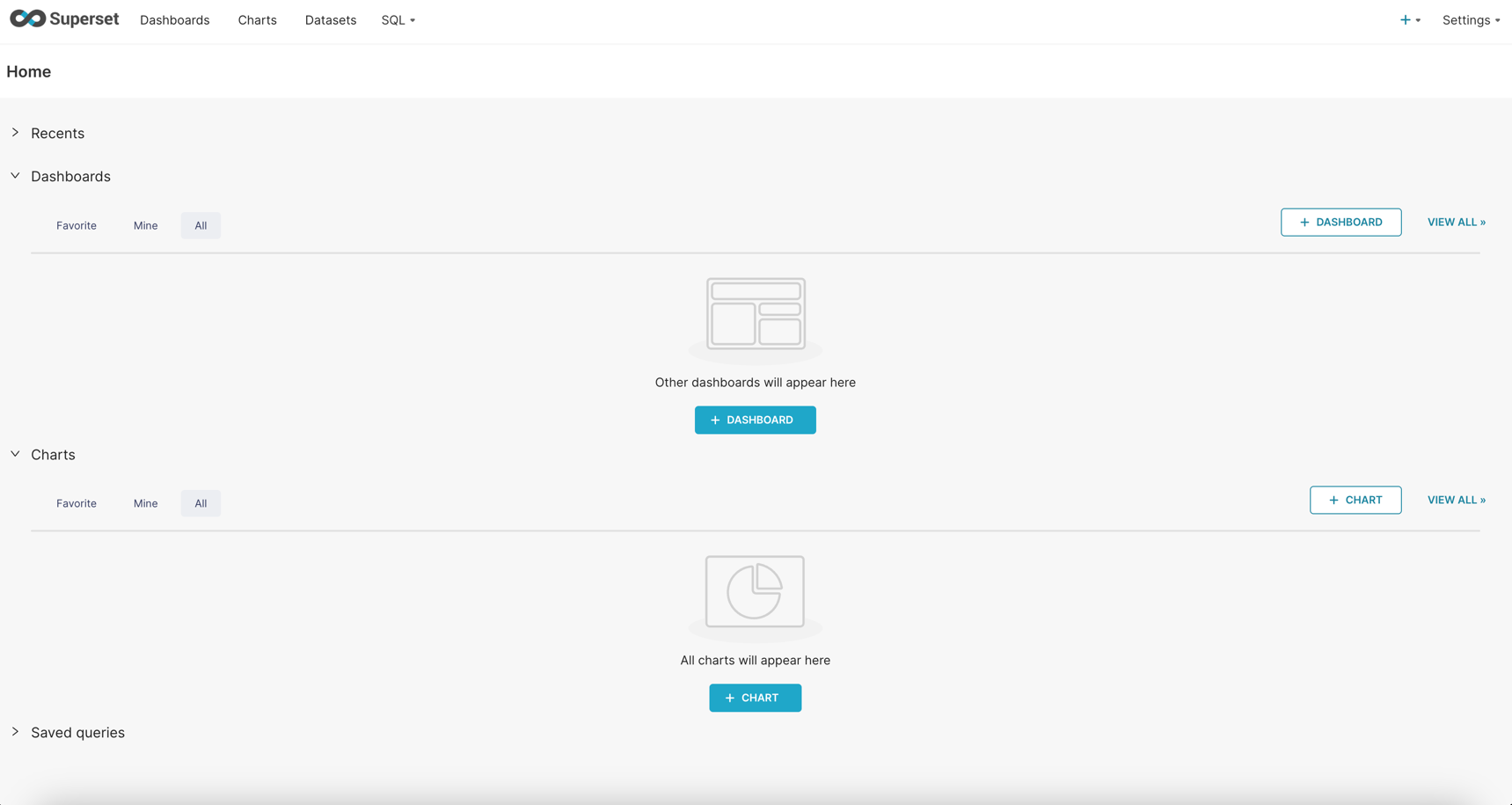
The Superset instance is now accessible. To visit it in your web browser, go to https://superset.hostname.hydrolix.live.
Login using your standard Hydrolix credentials. You should be redirected automatically to https://superset.hostname.hydrolix.live/superset/welcome/.
Deactivate Superset⚓︎
Remove Superset from your cluster by deleting the deployment setting from your Hydrolix configuration. Delete these two lines:
When the change is applied, your Hydrolix installation will remove the two additional Superset pods. If you like, remove the DNS settings described in Create a DNS record.
Note that even though the Superset service is disabled, the internal configuration for Superset will persist in the Hydrolix database. If you later decide to re-enable Superset, the previous configuration will take effect.